01
ONLINE RESERVATIONS
A table, in a few taps.
A shareable reservation link. Available times. An instant on-screen confirmation. An easy welcome before guests even arrive.
GOOD FOOD. GREAT FLOW.
From the first reservation to the last order. Bring your tables, QR menu, and kitchen together — and give every guest an easier experience.
Made for mobile. No guest app needed.
Reserve. Scan. Order. Enjoy.
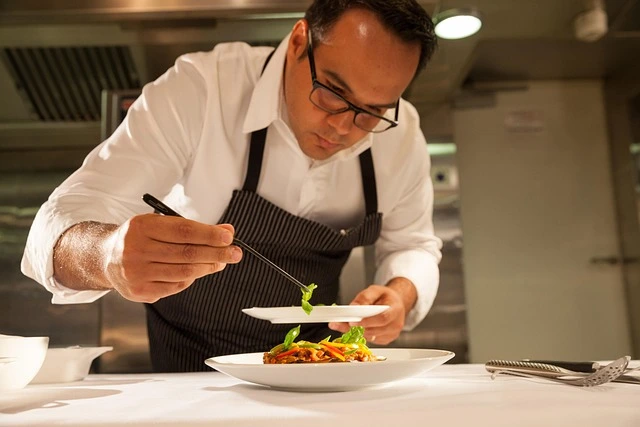
Make room for the moments that matter.
Thoughtful tools.
Smoother service.
FROM BOOKING TO BILL
Your restaurant has its own rhythm. Give guests a simple way in, and your team the tools to keep things flowing.
ONLINE RESERVATIONS
A shareable reservation link. Available times. An instant on-screen confirmation. An easy welcome before guests even arrive.
QR MENUS & ORDERING
Beautiful digital menus guests open with a QR scan. Update a dish, change a price, or mark an item unavailable from your dashboard.
KITCHEN & TABLES
Bring table orders into the kitchen display and follow their progress. Give your team a shared view of what needs attention.
Sample booking only. Try the guest-to-staff handoff, then place a demo order below.
MAKE A GREAT FIRST IMPRESSION
Guests choose a date, party size, and available time. You get a booking with the details you need, in one place.
A SIMPLE START
Add your restaurant, menu, tables, and opening hours. Choose your reservation timezone and duration.
Enable reservations, share your booking link, and put your menu’s QR codes on the tables.
Manage bookings and follow table orders from your dashboard. Keep your team focused on the next guest.
A FEW HELPFUL ANSWERS
Qeasy connects restaurant reservations, QR menus, table ordering, and kitchen management in your browser.
Qeasy is browser-based restaurant software for online table reservations, digital QR menus, table ordering, and kitchen order management. Owners manage their restaurant from one dashboard.
Open the restaurant’s reservation link, choose a date, party size, and available time, then enter a name and phone number. A confirmation appears on screen. No guest account or app download is needed.
Available times follow the restaurant’s opening hours and timezone. Qeasy assigns a table with enough seats and checks for overlapping bookings. Owners set the duration of each reservation.
Yes. Owners can view bookings by date, see guest details and assigned tables, mark arrivals, complete visits, record no-shows, and cancel bookings from the Reservations dashboard.
No. Guests scan a table’s QR code and open the menu in their mobile browser. They can browse dishes and place table orders when ordering is enabled by the restaurant.
Add your restaurant’s tables and capacities, set opening hours, and choose the correct timezone and reservation duration. Then enable online reservations and share your booking link.
MORE TIME FOR WHAT MATTERS